

Tutoriales
Step-by-step guides for AI photo editing with Facelab.
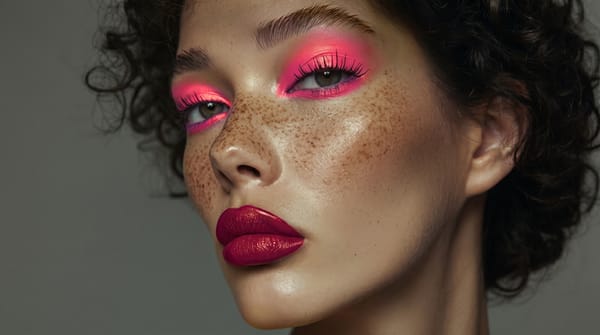
How FaceLab Avoids the Common Pitfalls of AI Editing
AI photo editing mistakes are easy to observe on social media. Whenever a new trend emerges, you can easily spot what's fake.
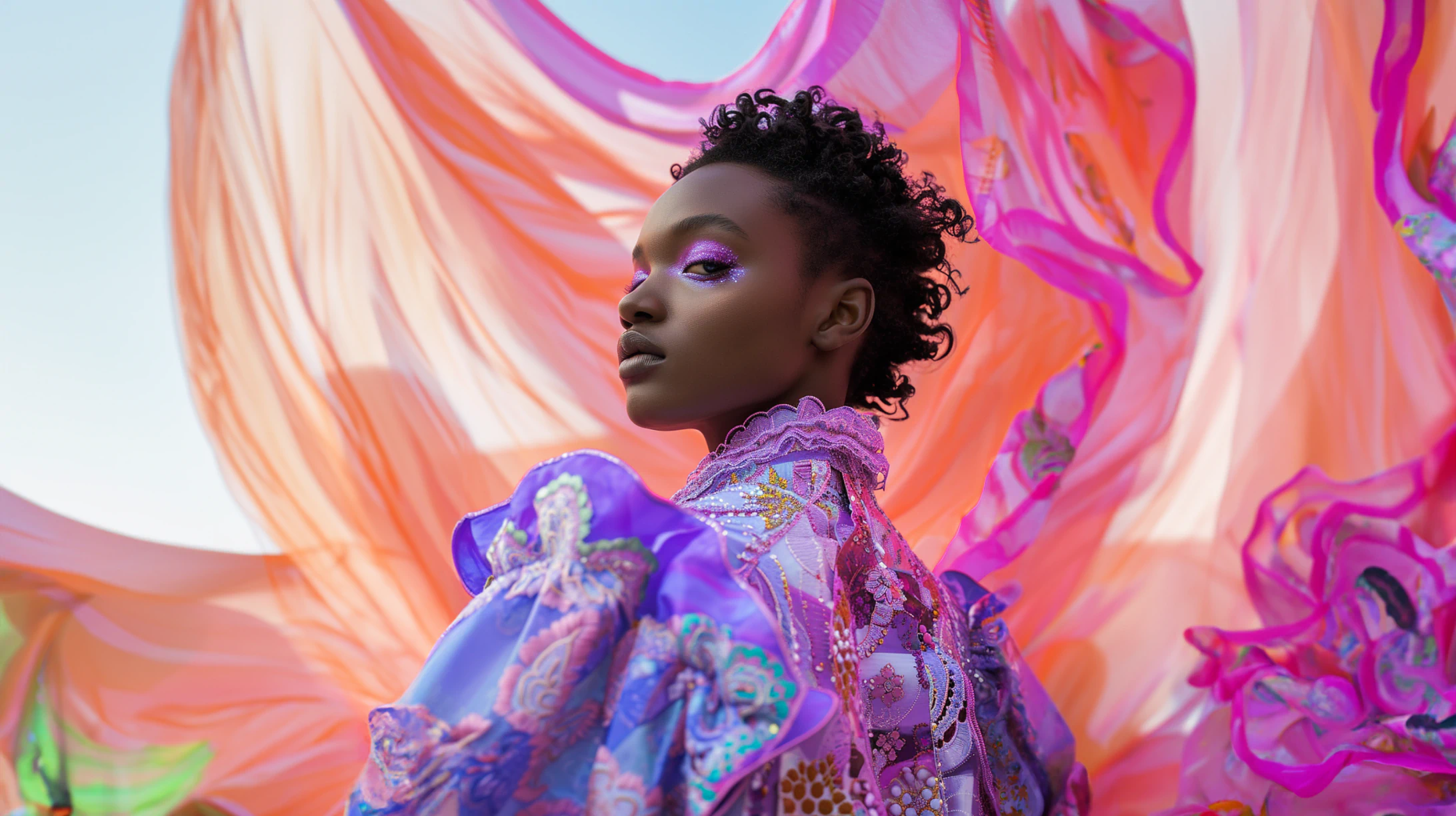
How to Try a New Hairstyle in a Photo Before You Cut Your Hair
Big haircuts are easier to commit to when you've already seen them on yourself. AI hair editors get convincing — here's how to use them well.
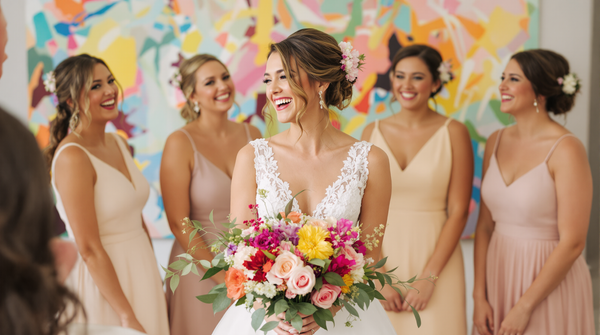
How to Brighten Dark Photos Without Washing Them Out
Lifting exposure blindly kills contrast and muddles color. Here's the sequence of adjustments that brightens a photo while preserving its depth.
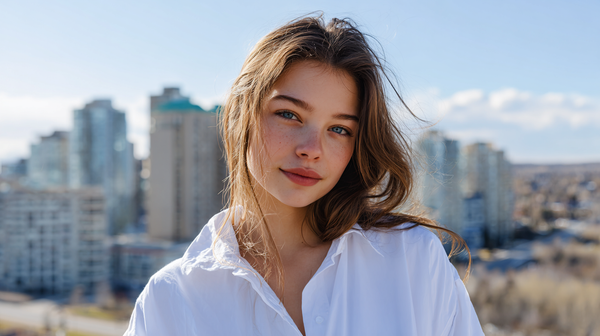
How to Blur a Background in a Photo You Already Took
No portrait mode? No problem. AI background blur has made it possible to add professional-looking bokeh to any photo after the fact.
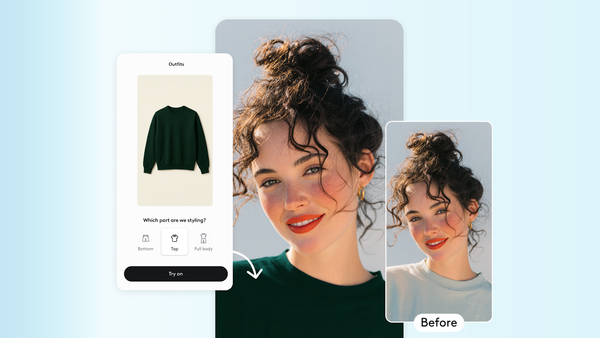
How to Change Your Hair Color in a Photo
Thinking about going blonde? Trying out red? Facelab's hair color tool lets you preview any shade realistically before committing.
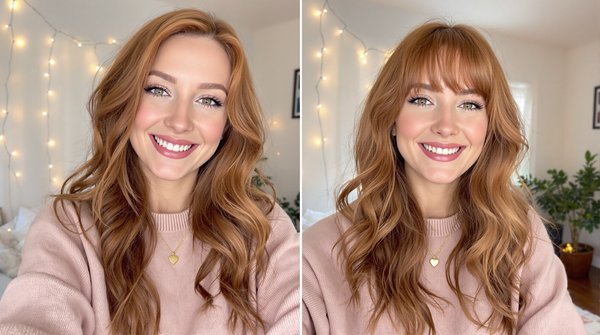
How to Make Any Photo Look Like It Was Shot on Film
Grain, halation, and color cross-processing each contribute to the look. Here's how to add each element intentionally without going overboard.
Cropping for Impact: What Most People Get Wrong
Cropping isn't just trimming edges. Done right, it changes the weight of the image, the story it tells, and how the eye moves through it.
How to Fix White Balance in Photos After the Shot
Wrong white balance is one of the most common problems in phone photography. Here's how to correct it without creating color casts elsewhere.
How to Increase Photo Resolution Without Losing Quality
AI upscaling has changed what's possible with low-resolution images. Here's when it works, when it doesn't, and how to get the most from it.