

How to Edit Your Body in Photos Without It Looking Fake
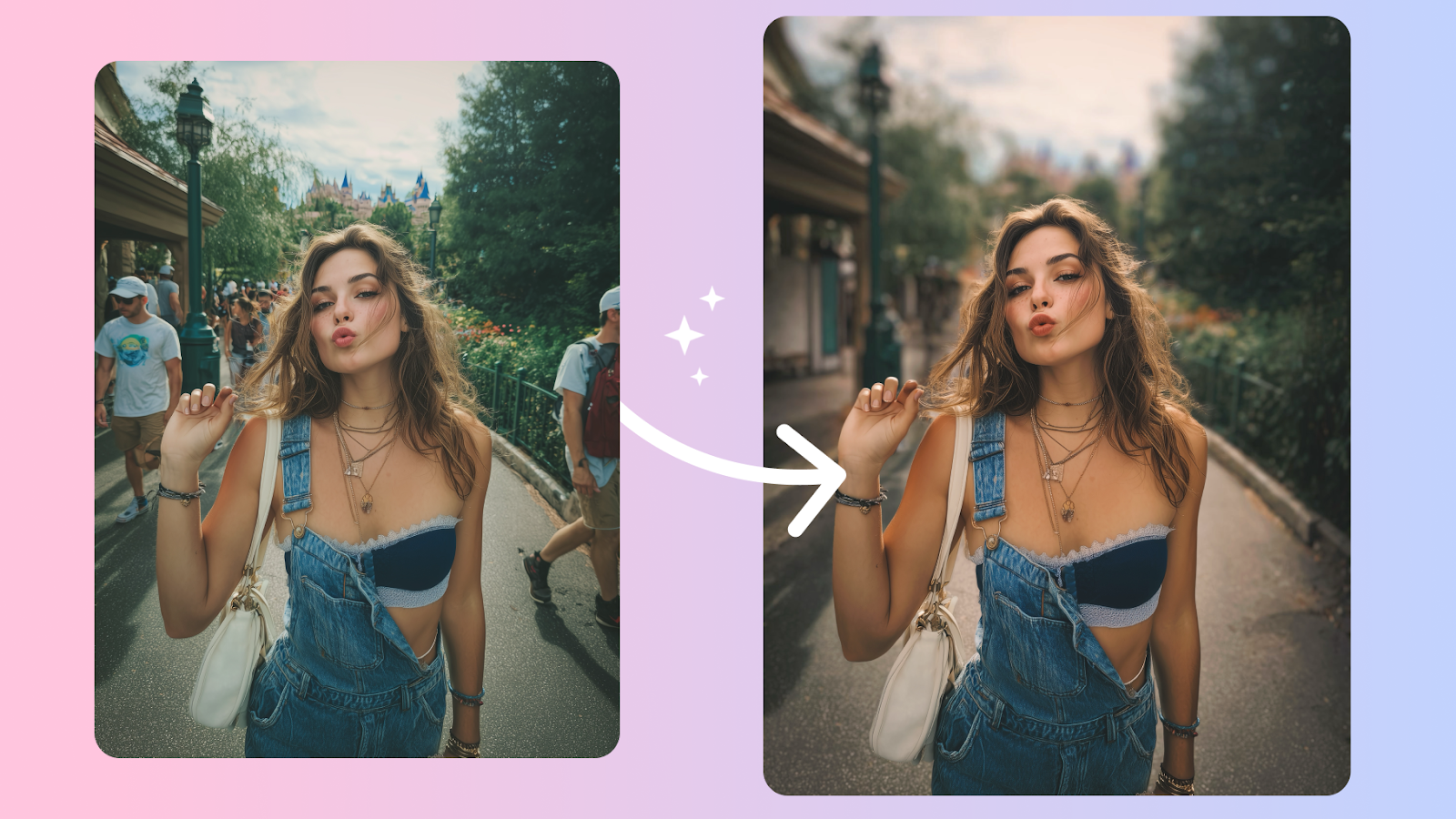
Body edits get caught when the background bends and the proportions don't add up. Here's how to keep edits believable, even on tricky shots.
Why Body Edits Are the First Thing People Notice
Skin retouching gets a pass because everyone's used to it. Body edits don't. Viewers notice a bent doorway behind a waist, a tile pattern that suddenly curves, a shadow that points the wrong way. Once they see one of those things, the whole photo loses its trust.
The fix isn't to avoid body edits — it's to make edits the camera could have produced.
The Anatomy of a Believable Body Edit
Three things separate a clean body edit from an obvious one: proportion changes that respect anatomy, untouched joints, and undamaged backgrounds.
Proportions are the easiest to get wrong. Slimming a waist also slims the hips and shoulders unless you're careful. Lengthening legs without adjusting the rest of the photo creates a giraffe effect. The natural-looking edits change one thing in keeping with the others.
Joints — wrists, elbows, knees — are where edits visibly distort first. Most AI tools handle them well now, but if you're nudging things manually, treat the joints as fixed points and bend everything else around them.
Try Facelab's Body Editor — Adjust posture, proportions, and shape with edits that follow anatomy instead of fighting it.
Watch the Background — That's Where Edits Get Caught
Almost every "spotted" body edit is spotted because of the background, not the body. A door frame that bends, a window mullion that shifts, a tile grout line that suddenly takes a turn — these are dead giveaways.
Before you commit to an edit, look only at the background. Trace the long, straight things — door edges, walls, horizon lines, tile seams — with your eye. If any of them have new bends in them, your edit just announced itself.
Match the Edit to the Photo's Story
A photo at the gym sets a different expectation than a photo on a beach holiday. An editor's instinct is to push every body edit in the same direction, but the photo's context should set the limit.
If you're posting a fitness shot, a small posture lift reads honestly; a wholesale shape change reads suspiciously. The "right" edit isn't always the most flattering one — it's the one that doesn't break the photo's story.
Try Facelab's Reshape — Make subtle adjustments to specific areas without touching the rest of the photo. Best paired with Body Editor for full-frame work.
Final Test: Is Anyone Looking at the Edit Instead of You?
Zoom out. Look at the whole photo at arm's length. If your eye keeps going to the edited area — to the waist, the legs, the neckline — that's a sign the edit is doing too much. The right level is the one where viewers see the photo first and the editing not at all.
Walk it back 30%. Look again. The honest version almost always has less editing than your first instinct.
More in Beauty
View all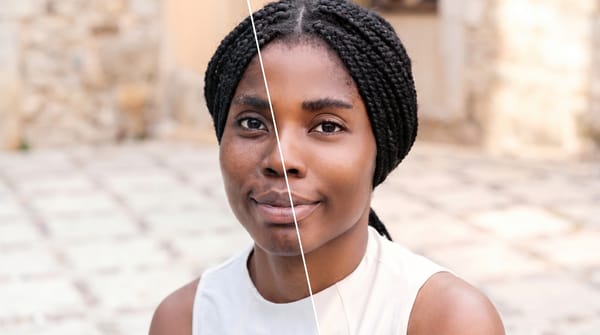
Face Retouching vs. Full Makeover: When to Use Each
Face retouching can be invisible when the work is done right. A full makeover can create a complete look.
How to Retouch Skin Naturally — Without Losing Texture
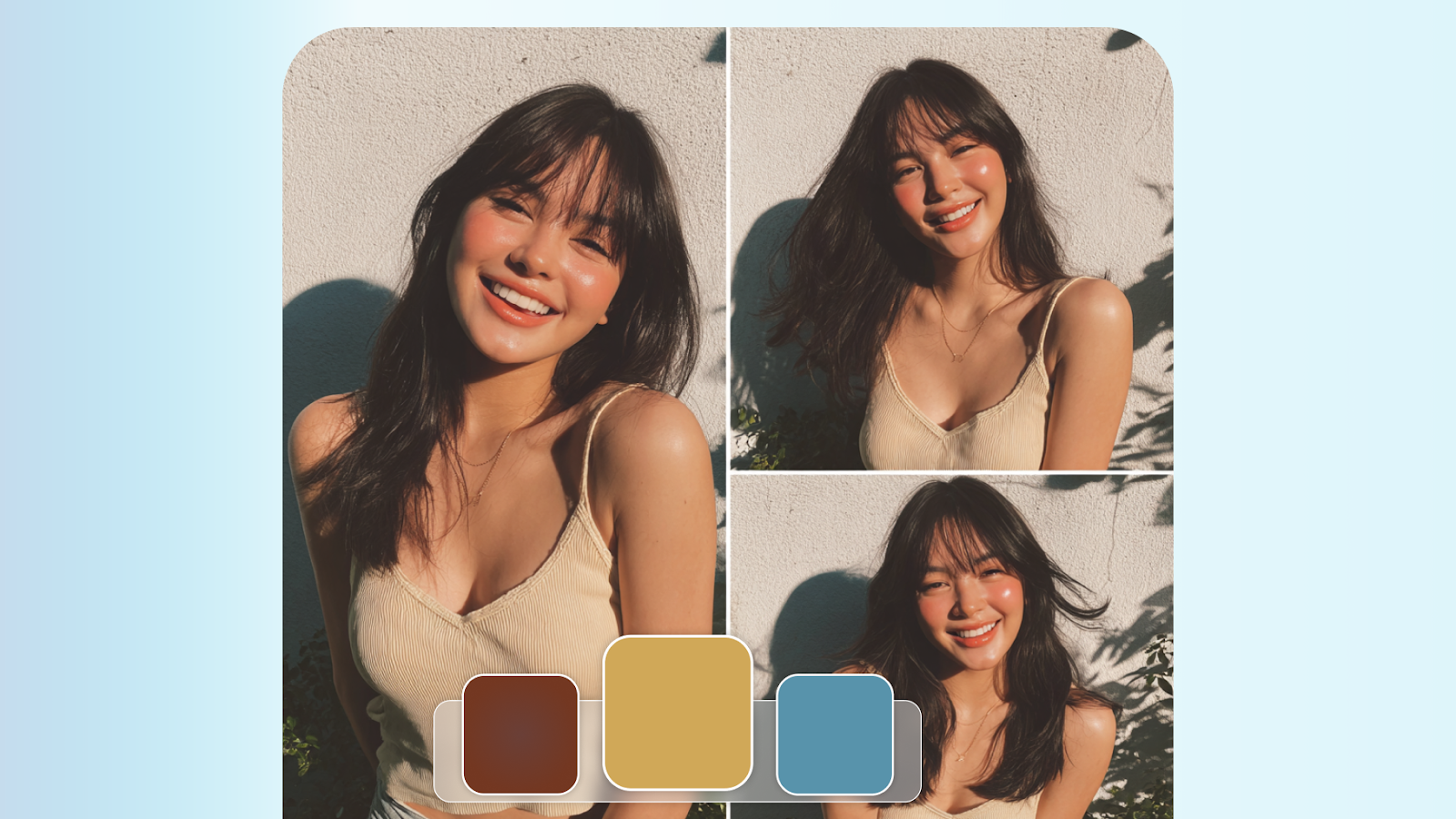
The best skin retouching is invisible. It removes distractions without removing character. Here's how to walk that line every time.
Face Reshaping in Photos: What Actually Works (And What Doesn't)
AI face reshaping tools have gotten remarkably capable — but it's easy to cross the line. We break down what to adjust and how much is too much.

