

Face Retouching vs. Full Makeover: When to Use Each
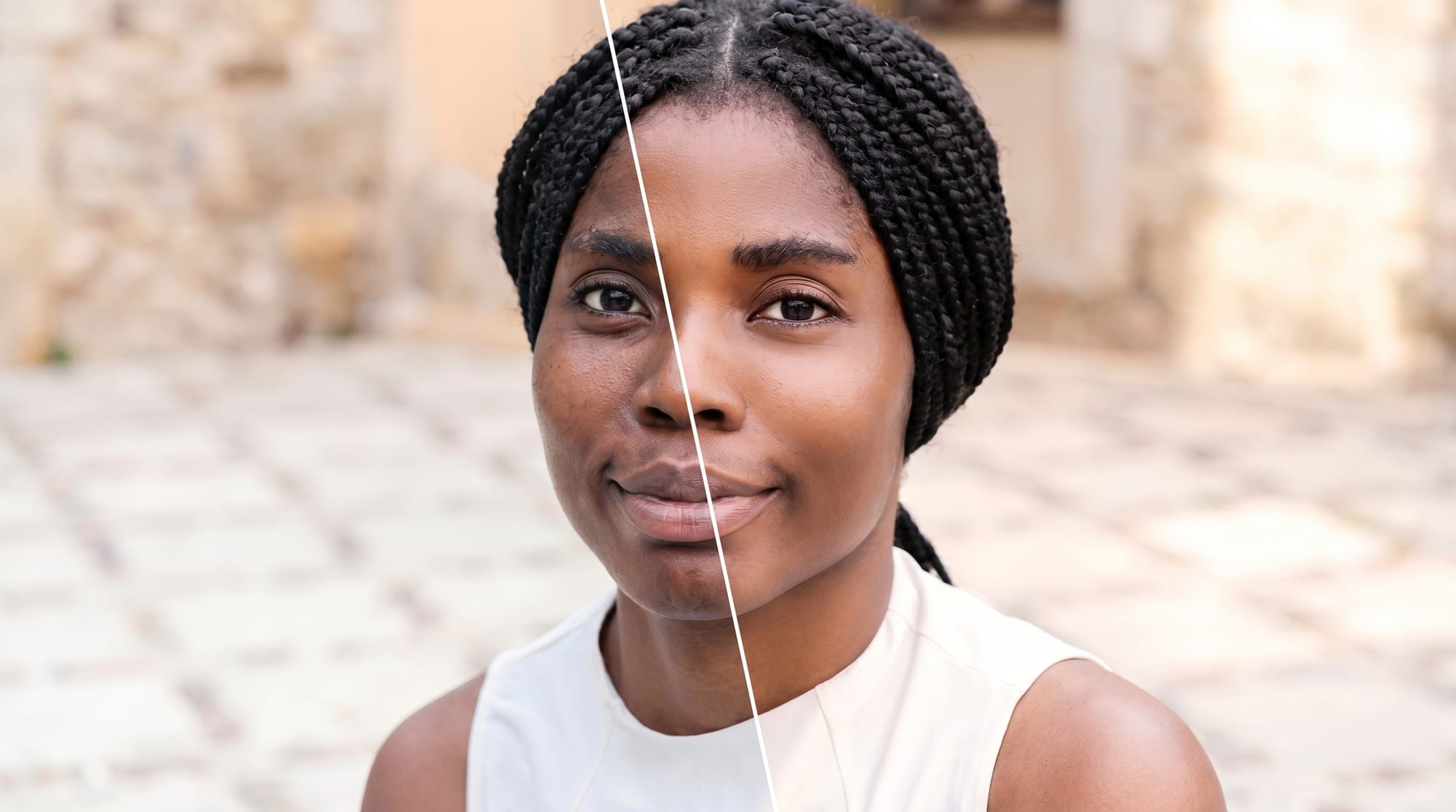
Face retouching can be invisible when the work is done right. A full makeover can create a complete look.
Which of these approaches is a good idea, and in what kind of situation can each work? FaceLab is built to help you grow your company or personal brand, so let's take a look at these tips.
Retouch or Full Makeover? FaceLab Helps You Decide
Retouching enables you to modify your facial appearance by adjusting eye size, cheek dimensions, jawline, or nose. Natural-looking results are easily achievable. In the app, you have full control over eye lifting, face slimming, and jaw sharpening.
Retouching is a great solution when:
- You finished a photoshoot and realized your expression looks too stern; the tool allows you to correct your smile.
- You want to remove temporary imperfections from the skin, such as blemishes or wrinkles.
- You want to make subtle edits, similar to professional Photoshop work, to make your photos look more polished without the high cost.
- You need to adjust the lighting and color.
When to do a full photo makeover? It's the best choice when you want to experiment with a completely new style. For example, if you've been dreaming of platinum blonde hair but aren't sure how it would look, this tool lets you test it out. It is also ideal when preparing for a themed event, as the app enables you to apply full-face makeup and dramatic transformations instantly.
Subtle Adjustments vs Dramatic Transformations
Subtle retouching adjustments are much better than dramatic transformations. These subtle changes are usually hard to identify. Your face doesn't look plastic and that gives you much more authenticity.
Use the Face Shape Editor which helps you adjust eye balance, refine eyebrow shape and correct camera issues.
How to Keep Your Look Real While Editing
If you want to keep your look real while editing, focus on blemish removal and light smoothing. Keep any slider adjustments below 50 percent. Remember to check your edit before saving. If you see that your photo was edited, that means there was too much work and it's better to dial the settings back.
Choosing the Right Approach for Your Photos
Avoid overediting. FaceLab options give a lot of opportunities, so it's easy to add more filters, sharpen the eyes a little bit more, or nudge a slider a little further, but here, less is more. Over-blurring, over-brightening, and overediting are the most common mistakes. The goal should be to create a photo that looks like you on your best day, and not like another person.
Tips for Blending Natural Retouching with Full Makeovers
Here are some tips for blending natural retouching with full makeovers:
- Start with natural base adjustments before applying heavier filters - if you use a bold makeup preset, try lowering the opacity slider so your real skin texture still peeks through.
- Use the light and color tools - add subtle warmth and a small brightness lift for a fresh look.
- Use the Fix section carefully - correct any camera-angle issues and adjust eye balance, but remember not to overdo it.
- Check the background - if you see that anything in the background distracts from the photo, you can use an AI background removal tool.
- Compare to the original - if the transformation feels like another person, scale back the sliders by 15-20 percent.
Frequently Asked Questions
When can retouching work for you?
Retouching can work great for you when you want to make subtle enhancements to your photo but still look natural, e.g., correct your smile, remove temporary imperfections from the skin (such as blemishes or wrinkles), or make subtle edits.
Subtle face retouching vs. full makeover - which approach is better?
Of course, subtle face retouching is better. A dramatic transformation with a full makeover can make you look plastic, which lowers your authenticity and can negatively influence your personal brand on social media.
How to look natural?
Focus on blemish removal and light smoothing. Keep any slider adjustments below 50 percent and remember to check the photo before saving.
How to blend natural retouching with full makeovers?
Start with natural base adjustments before applying heavier filters. Use the light and color tools, check the background, and compare the photo to the original. If the transformation feels like it is not you, scale back the sliders by 15-20 percent.
More in Beauty
View all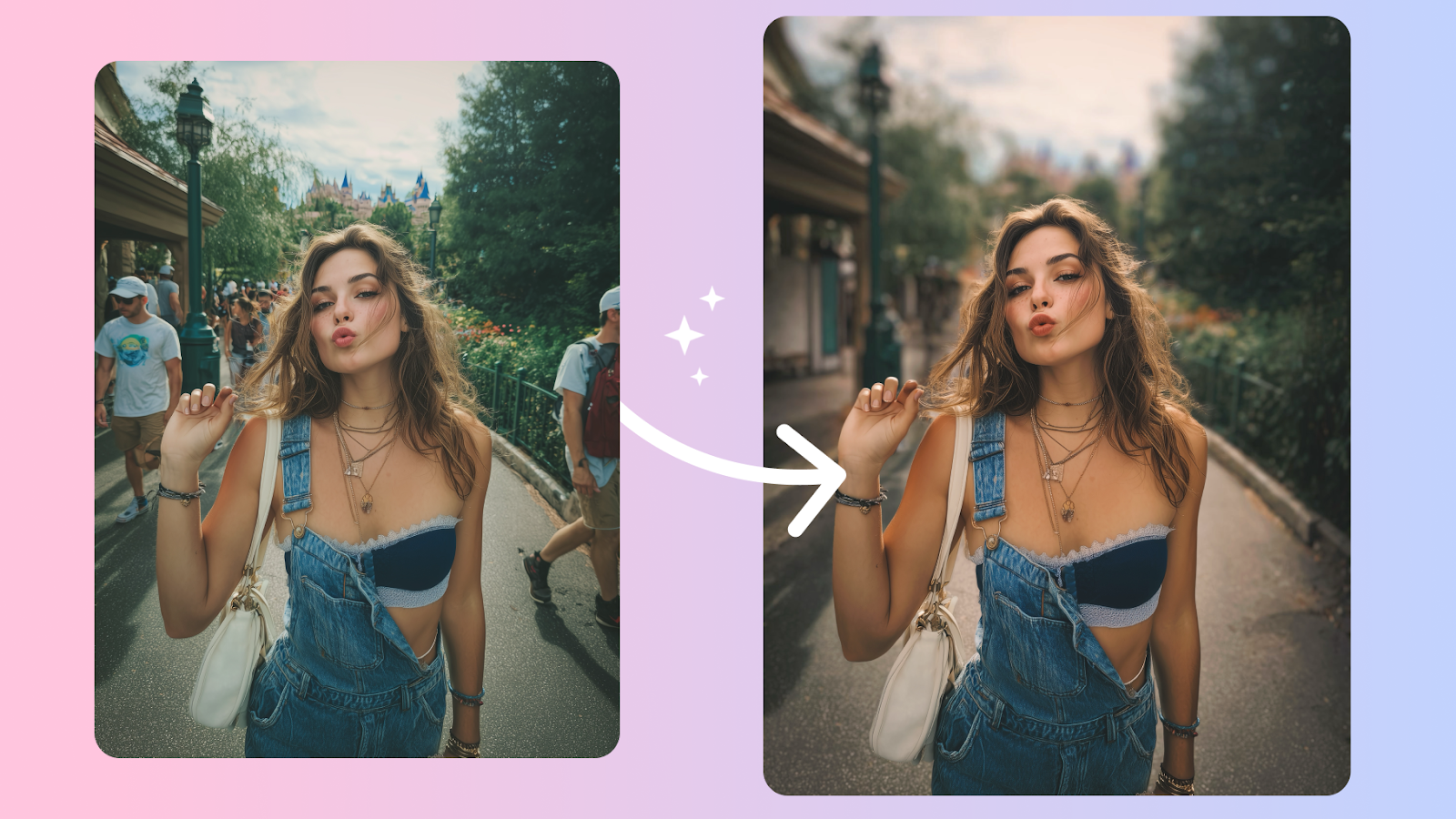
How to Edit Your Body in Photos Without It Looking Fake
Body edits get caught when the background bends and the proportions don't add up. Here's how to keep edits believable, even on tricky shots.
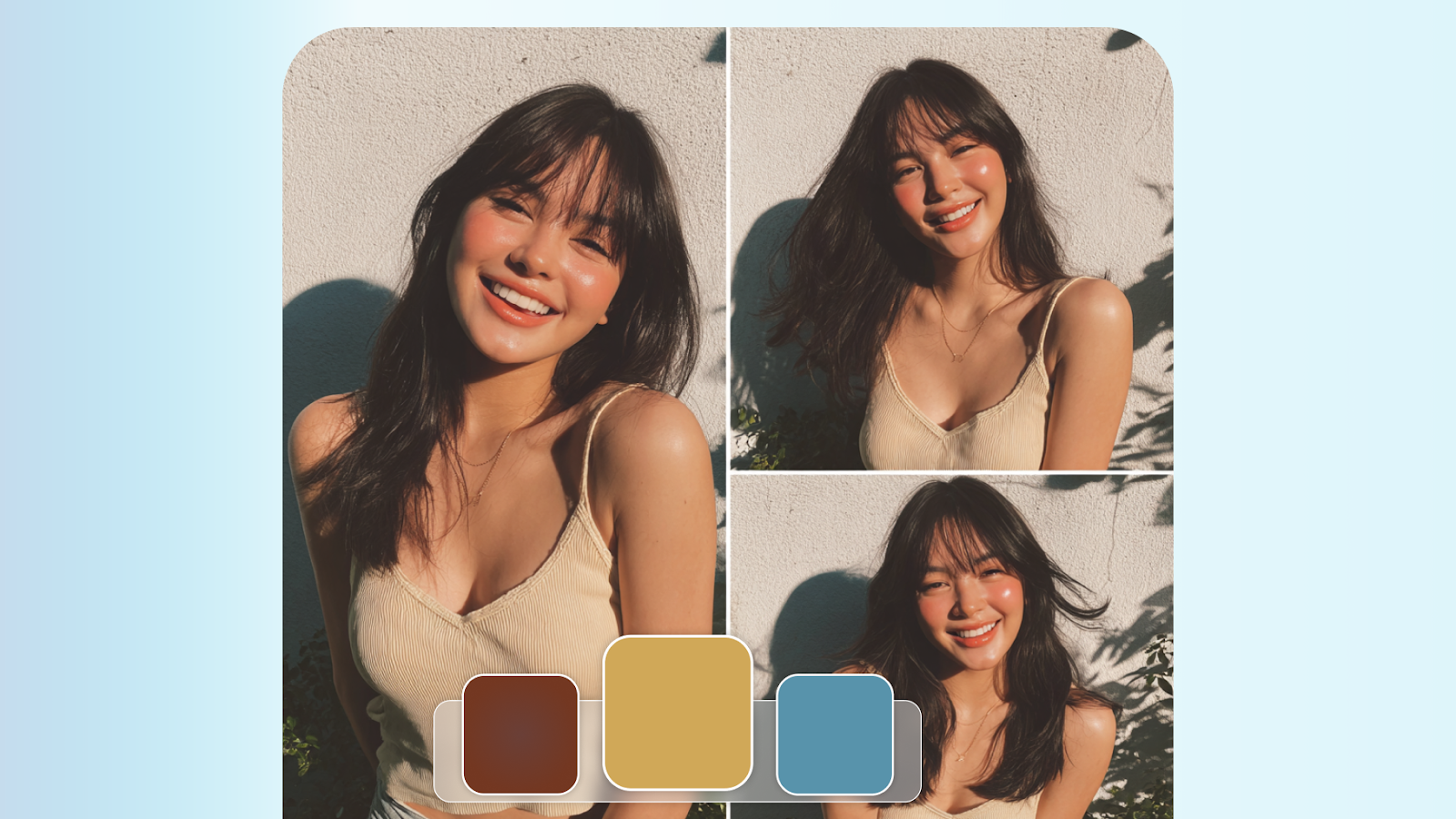
How to Retouch Skin Naturally — Without Losing Texture
The best skin retouching is invisible. It removes distractions without removing character. Here's how to walk that line every time.
Face Reshaping in Photos: What Actually Works (And What Doesn't)
AI face reshaping tools have gotten remarkably capable — but it's easy to cross the line. We break down what to adjust and how much is too much.

