

10 Hairstyle Changes You Can Try in Photos with AI
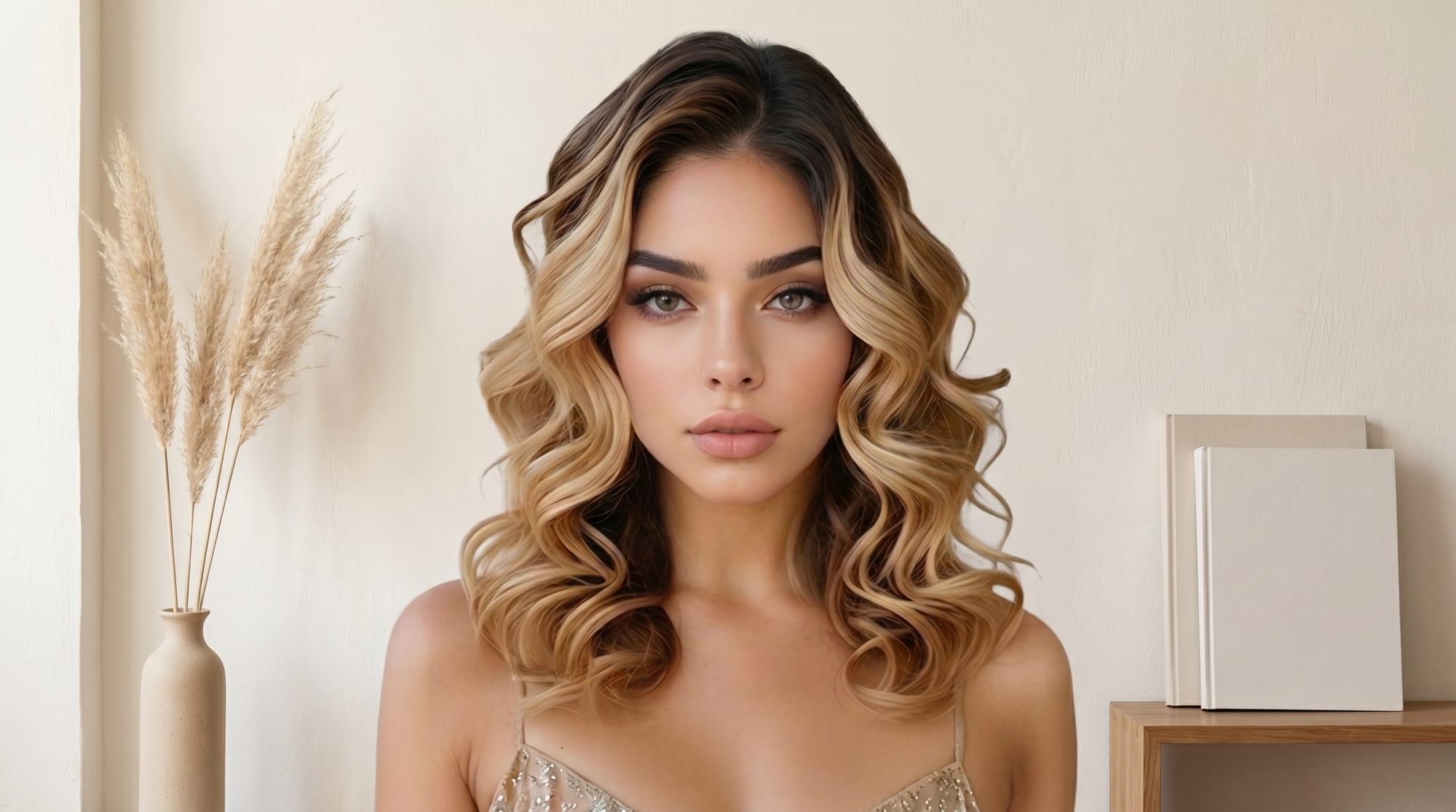
Facelab's AI hair editor lets you try virtual hairstyles, including specific cuts, colors, and textures, directly on your photo before you visit a salon.
Booking a haircut is easy. Sadly, regretting it is even easier. Trying hairstyles online takes the guesswork out of the process. You can see exactly what a dramatic change looks like before a single strand hits the floor. Here are 10 specific changes you can preview right now.
Color Swaps to Test a Virtual Hairstyle Risk-Free
Going from dark to blonde, or the other way around, is a massive decision. The best apps for trying new hairstyles virtually apply a realistic color change directly to your photo, so you can check whether a shade matches your skin tone.
1. Platinum Blonde
Bleaching your hair requires serious commitment and upkeep. Running your photo through an AI hair editor immediately shows you whether icy tones wash you out or brighten your face.
2. Warm Brunette and Chestnut
Darkening your hair can dramatically change your features. A virtual preview helps you choose between a flat, dark color and a warmer, dimensional brown.
3. Bold Reds and Coppers
Red hair fades quickly and requires a specific complexion to pull off well. Testing copper or cherry tones virtually saves you from a costly salon mistake.
4. Highlights and Balayage
Adding dimension to your hair transforms how your face looks in photos. Testing this virtually lets you compare chunky highlights with a subtle balayage side by side.
AI Tools for Hairstyle Changes in Photos: Cuts and Lengths
Going shorter causes a lot of anxiety for many people. A virtual try-on lets you see short cuts and fringes on your actual face shape before you commit to the chop.
5. The Classic Bob or Lob
You can quickly assess whether a chin-length cut suits your jawline. If it feels too short, testing a longer bob helps you find the perfect middle ground.
6. The Pixie Cut
This is a dramatic hairstyle change that many people consider for years before taking action. Seeing a realistic AI preview of yourself with short hair can give you the confidence to finally make the decision.
7. Blunt Fringes and Bangs
Anyone considering a blunt fringe can preview it virtually to see whether it flatters their bone structure. It is much easier than pinning your hair back and trying to imagine the result.
8. The Trending Wolf Cut
Trying highly textured, trendy cuts on a photo first is a practical way to assess the look. You can see whether the heavy layers translate well to your specific face shape.
Simulating Texture with an AI Hair Editor
Switching from straight to curly is another change that benefits heavily from a preview. Modern AI tools simulate volume and texture accurately enough to give you a solid sense of the finished look.
9. Loose Waves or Tight Curls
If you want to know whether loose beach waves or tight ringlets suit you better, testing both takes about ten seconds. You can swap between textures instantly to compare.
10. Volume Boosts
Fine-haired people often wonder what they would look like with thicker hair. Running your photo through an AI volume booster shows whether more body changes the overall balance of your face.
Getting the Most Accurate Virtual Hairstyle Preview
The quality of your preview depends entirely on the photo you upload. A well-lit, front-facing photo with your hair pulled back gives the AI the clearest view of your face and hairline. Apps like Facelab let you apply a hairstyle change directly to your selfie with a single tap.
Taking a few photos under slightly different lighting conditions gives you the most reliable sense of how a style will look in real life. The more consistent your source photo, the more consistent the result.
Try It for Yourself
Facelab's AI hair editor is part of a full photo-editing toolkit. You can try a new virtual hairstyle and then adjust your skin or background in the same session.
Download our app from the App Store and Google Play and try your first virtual hairstyle change.
Frequently Asked Questions
Can I try hairstyles online without downloading anything?
How realistic are virtual hairstyle previews?
Which hairstyle changes work best with AI tools?
Mais em Beleza
Ver tudo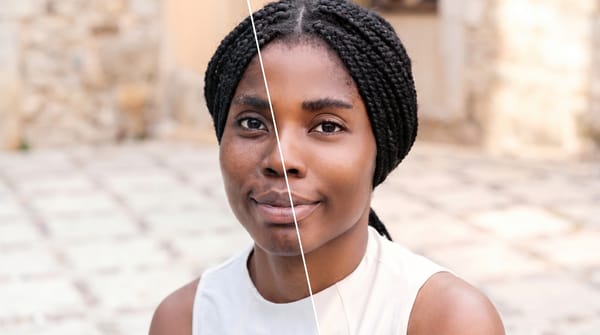
Face Retouching vs. Full Makeover: When to Use Each
Face retouching can be invisible when the work is done right. A full makeover can create a complete look.
How to Edit Your Body in Photos Without It Looking Fake
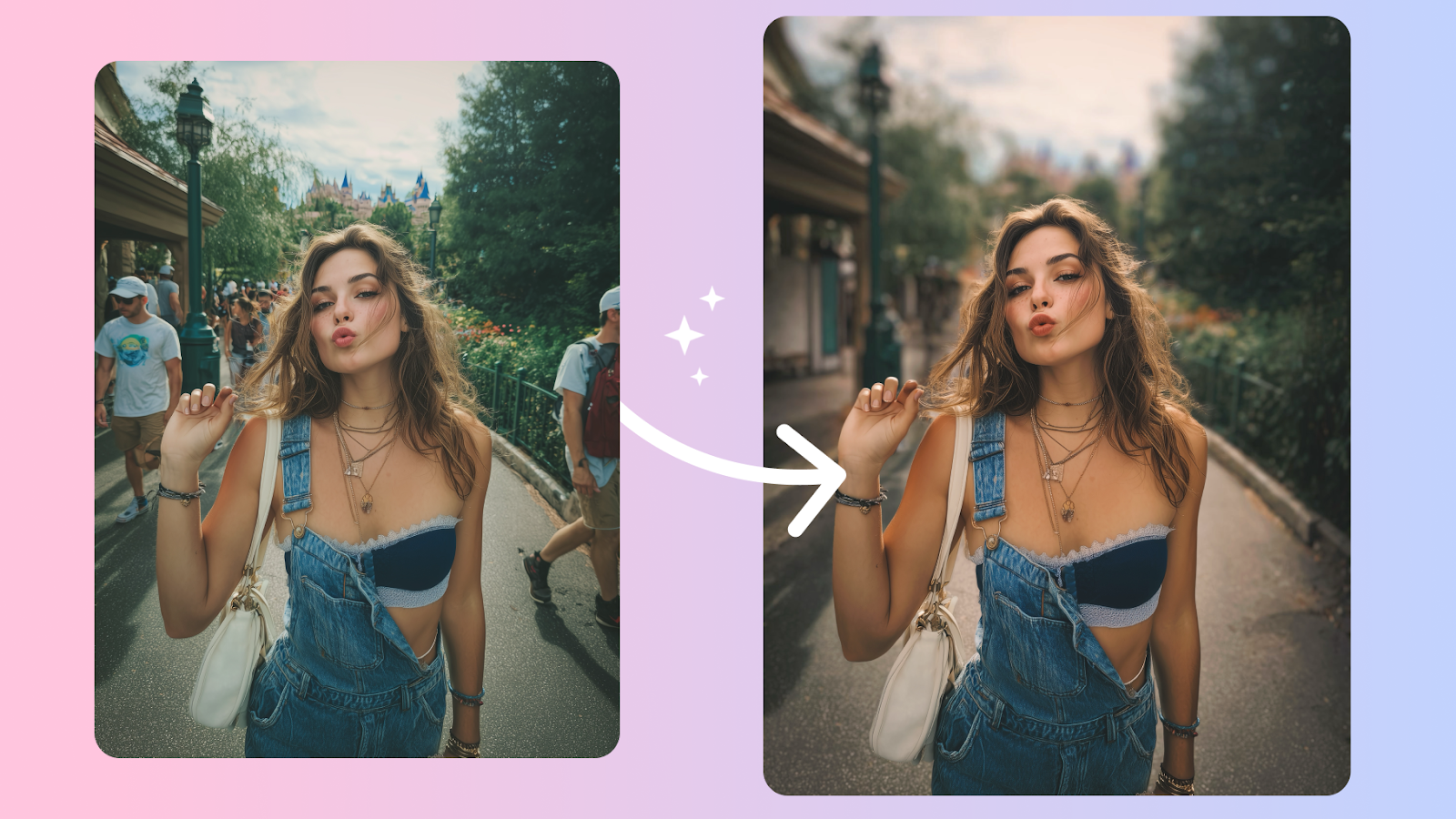
Body edits get caught when the background bends and the proportions don't add up. Here's how to keep edits believable, even on tricky shots.
How to Retouch Skin Naturally — Without Losing Texture
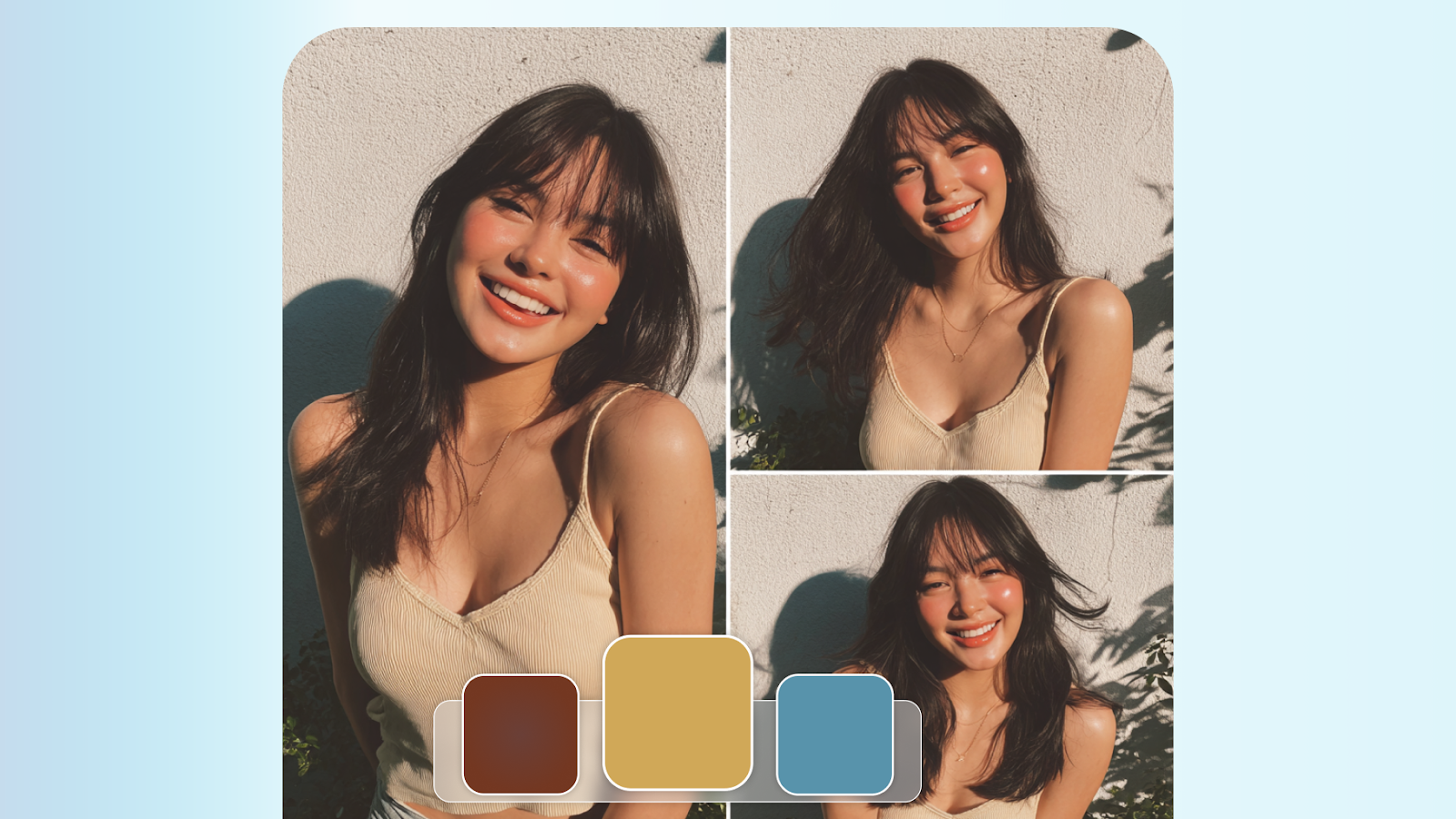
The best skin retouching is invisible. It removes distractions without removing character. Here's how to walk that line every time.

