

How to Try a New Hairstyle in a Photo Before You Cut Your Hair
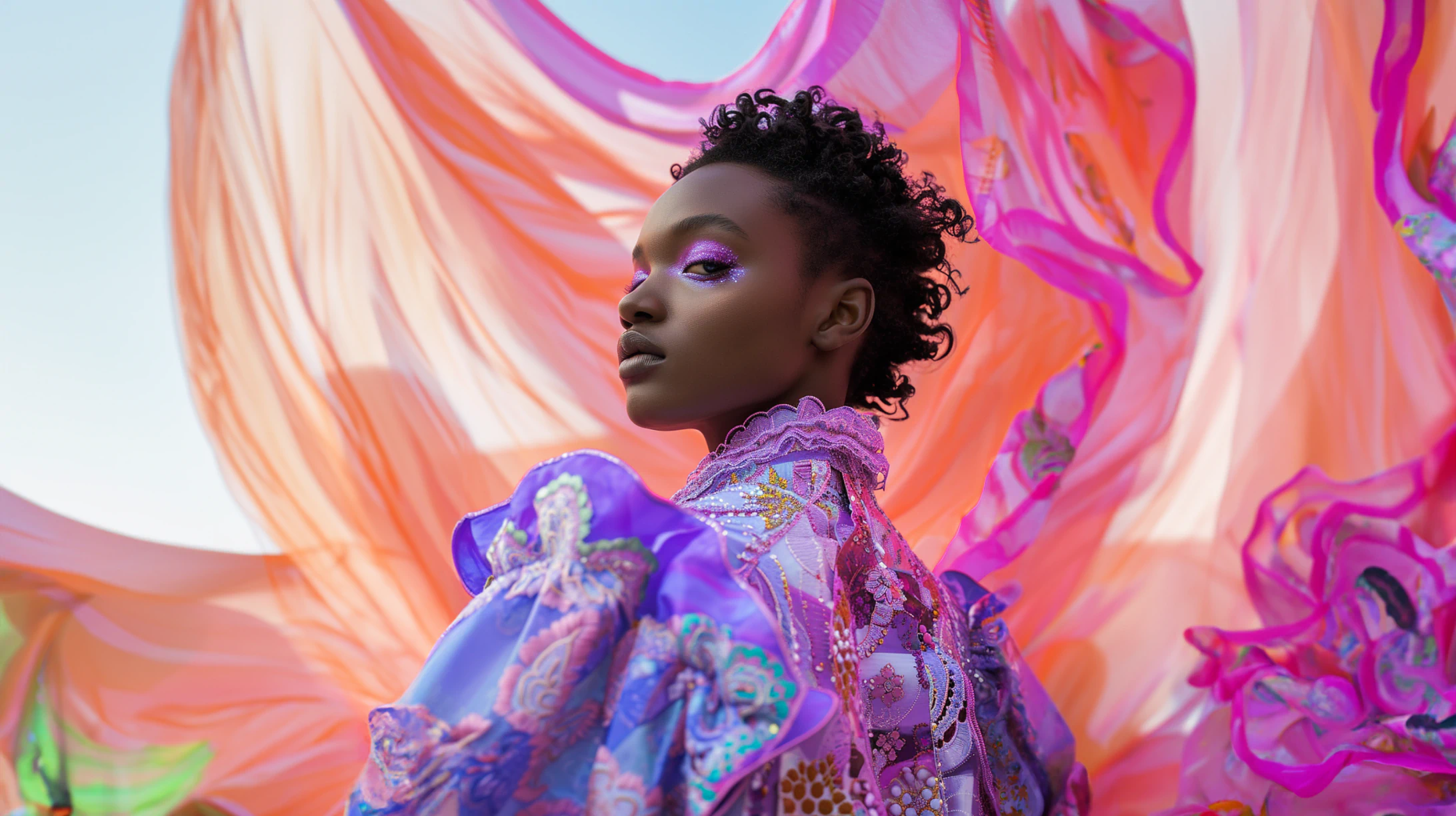
Big haircuts are easier to commit to when you've already seen them on yourself. AI hair editors get convincing — here's how to use them well.
Why Photo Try-On Beats Pinterest References
Pinterest gives you a haircut on someone with the wrong face shape, the wrong hairline, and the wrong photographer. By the time it lands on your head, half the magic is gone — and you've already paid for it. Trying the cut on yourself, in your own photo, removes most of that uncertainty before the scissors come out.
Modern AI hair editors are good enough to show a realistic preview in seconds — not a rough sketch, not a cartoon overlay, but something that respects the lighting and angle of the photo you uploaded. Used well, that preview is the cheapest hair consultation you'll ever get.
What Makes an AI Hair Edit Look Real
The realism comes down to three things: hairline, lighting, and motion. A good edit follows your existing hairline rather than pasting a new one over your forehead — that hairline mismatch is the giveaway in most amateur photo edits.
Lighting matters because hair scatters light very differently from a wig sitting on top of someone's head. The strands closest to a window should be brighter; the underside should darken. If your edit doesn't show that variation, it'll read as a flat copy-paste.
Motion is the third tell. Real hair has stray strands and slight asymmetry. Edits that look too tidy almost always feel artificial — that's why the best tools intentionally add a bit of natural messiness.
Try Facelab's AI Hairstyle — Preview cuts, lengths, and styles on your own photo. The tool follows your hairline and respects the lighting in the original shot.
Match the Hair to Your Face Shape, Not Just the Trend
The same haircut behaves differently across face shapes. A blunt bob frames a heart-shaped face but can stretch a long face vertically. A curtain fringe softens square jaws but can disappear on round ones.
Run two or three contrasting options on the same photo. Side by side, the right one becomes obvious — much faster than trying to imagine each one in isolation.
Don't Forget Hair Color
People underestimate how much of "the look" is the colour, not the cut. A well-chosen shade can flatter your skin tone in ways the most flattering cut on the wrong colour can't.
If you're considering a major colour change, preview that first. Then layer the cut on top of the version you like. The order matters — the colour decision tends to dominate the cut decision.
Try Facelab's Hair Color — Test platinum, copper, ash brown, or anything else on your own photo before committing in the salon chair.
The Lighting Rule You Can't Skip
The single biggest mistake people make in hairstyle previews is comparing edits across different photos. The new hair always looks better in the better-lit shot — that's the lighting talking, not the cut.
Compare on the same photo. Identical light, identical angle, identical expression. That's the only honest A/B test.
Final Sanity Check Before You Book the Salon
Once you've narrowed it to one or two favourites, run the edit on a different photo. Different lighting, different angle. If the cut still works there, it'll work in real life.
If a hairstyle only flatters you in one specific photo, it's the photo doing the work — not the haircut. Better to find that out before paying for it.
Mehr aus Tutorials
Alle anzeigen
How FaceLab Avoids the Common Pitfalls of AI Editing
AI photo editing mistakes are easy to observe on social media. Whenever a new trend emerges, you can easily spot what's fake.
How to Increase Photo Resolution Without Losing Quality
AI upscaling has changed what's possible with low-resolution images. Here's when it works, when it doesn't, and how to get the most from it.
How to Fix White Balance in Photos After the Shot
Wrong white balance is one of the most common problems in phone photography. Here's how to correct it without creating color casts elsewhere.

