

How to Make Any Photo Look Like It Was Shot on Film
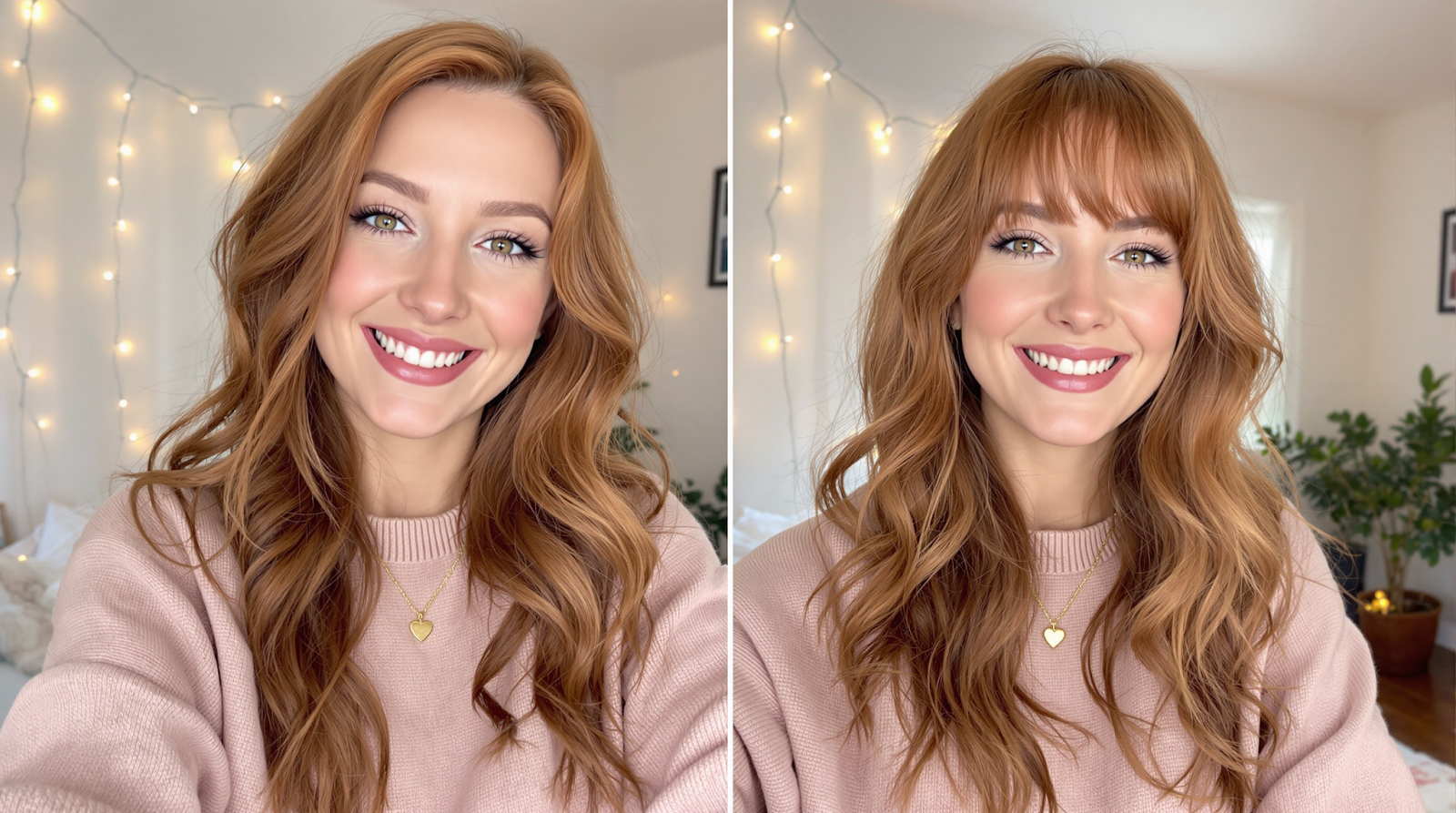
Grain, halation, and color cross-processing each contribute to the look. Here's how to add each element intentionally without going overboard.
Why It Matters
Grain, halation, and color cross-processing each contribute to the look. Here's how to add each element intentionally without going overboard.
Understanding the core principles behind this technique helps you apply it more consistently. The difference between a good result and a great one often comes down to knowing what you're trying to achieve before you start.
The best edits are the ones that look like they were never made.

Getting Started
Approach this step by step, making small adjustments rather than large ones. Each individual change might seem minor, but together they create a significant improvement.
Take your time and zoom out regularly to check the overall image. What seems correct up close often reads differently at full size.
The Result
With practice, these techniques become second nature. The goal is always to enhance rather than transform — to bring out the best in what's already there.
Start with the most significant issue and work your way to subtler details. This approach gives you the clearest sense of progress and helps you avoid over-editing any single element.
Frequently Asked Questions
What image formats does Facelab support?
Does Facelab work without an internet connection?
Can I undo changes in Facelab?
Mehr aus Tutorials
Alle anzeigen
How FaceLab Avoids the Common Pitfalls of AI Editing
AI photo editing mistakes are easy to observe on social media. Whenever a new trend emerges, you can easily spot what's fake.

How to Try a New Hairstyle in a Photo Before You Cut Your Hair
Big haircuts are easier to commit to when you've already seen them on yourself. AI hair editors get convincing — here's how to use them well.
How to Increase Photo Resolution Without Losing Quality
AI upscaling has changed what's possible with low-resolution images. Here's when it works, when it doesn't, and how to get the most from it.

