

5 Signs You're Over-Editing Your Photos (And How to Fix It)
Over-processed portraits are easy to spot. Here's how to stay on the right side of the line between polished and unnatural.
The Tell-Tale Signs
Over-editing is one of those things that's immediately obvious to everyone except the person doing it. After staring at your own photos for long enough, you lose the ability to see what a fresh pair of eyes would notice right away.
Here are the five signs to check before you export.
1. The skin has no pores
If you zoom in to 100% and the skin looks like it was painted, you've gone too far. Real skin has texture. Smoothing should reduce the contrast between tones, not eliminate the surface structure.
Skin Retouching
Reduce the intensity of your current skin edits with a single slider. Facelab's AI retouching targets blemishes specifically, leaving natural texture intact.
2. The eyes glow
Eye enhancement is one of the most common over-edits. If the eyes look lit from within — brighter than anything else in the frame — pull the brightness back until they feel like part of the face again.
Eyes should be the most expressive part of the image. Not the brightest.
3. The teeth are white-white
There's a difference between naturally bright teeth and teeth that have been bleached beyond reality. The reference should be the whites of the eyes — teeth that are significantly whiter than the sclera read as fake.
4. The background has no depth
If a background blur is too uniform, it looks like a cutout pasted onto a gradient. Real lens blur has subtle irregularities and transitions. The subject should feel embedded in the space, not floating above it.
Background Blur
Apply a natural-looking background blur that preserves depth and subject separation without the cutout effect.
5. You can't remember what it looked like before
If you've lost your reference point, reset to the original and do one pass from scratch. Fresh eyes make better decisions than accumulated adjustments.
Frequently Asked Questions
How do I retouch a photo without it looking fake?
Can I use Facelab for professional photo editing?
What's the difference between skin smoothing and skin retouching?
Mehr aus Beauty
Alle anzeigen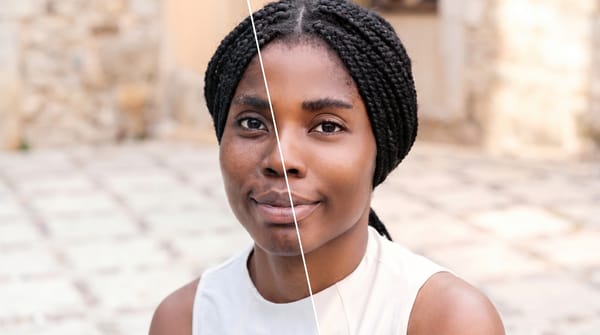
Face Retouching vs. Full Makeover: When to Use Each
Face retouching can be invisible when the work is done right. A full makeover can create a complete look.
How to Edit Your Body in Photos Without It Looking Fake
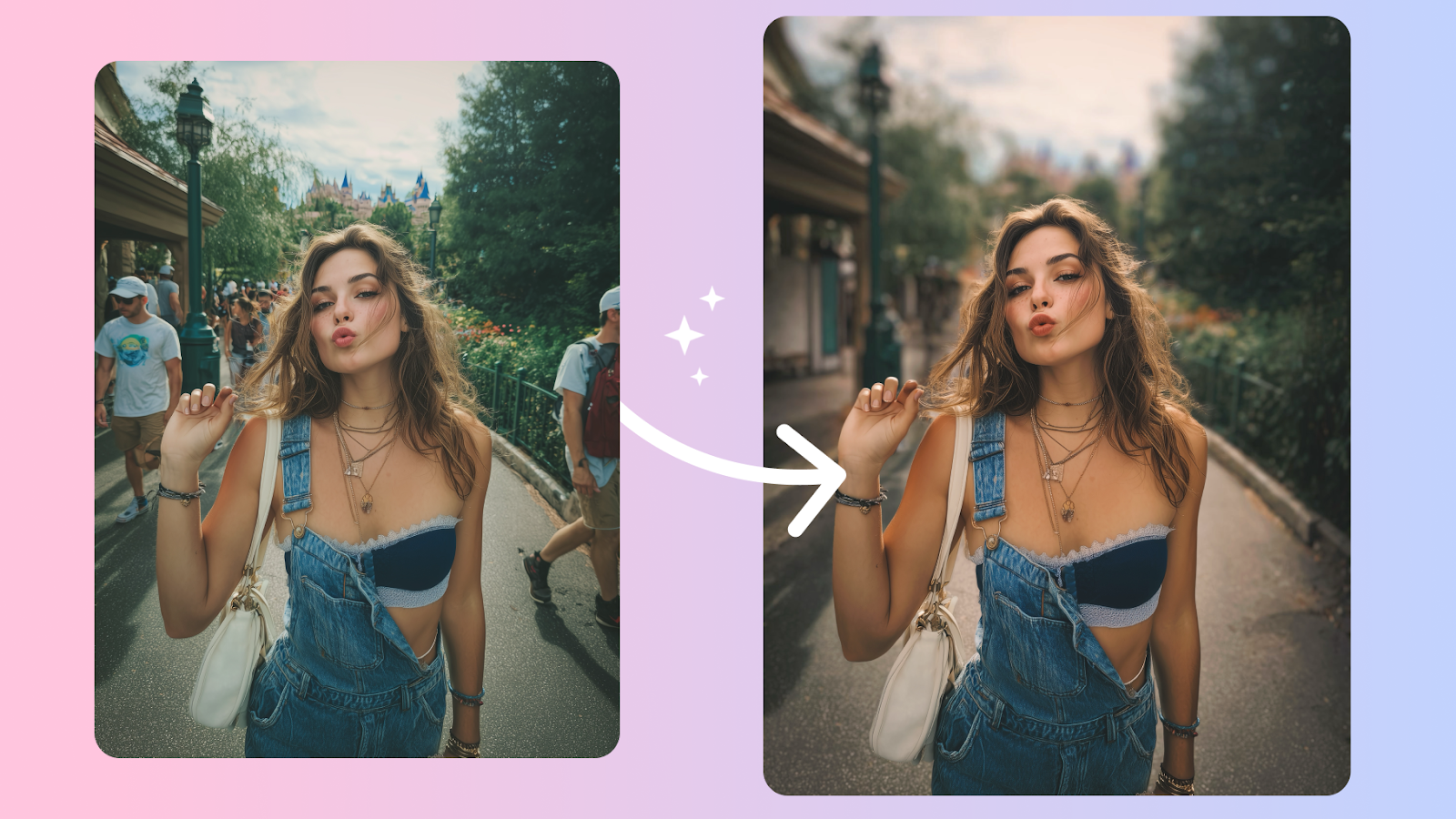
Body edits get caught when the background bends and the proportions don't add up. Here's how to keep edits believable, even on tricky shots.
How to Retouch Skin Naturally — Without Losing Texture
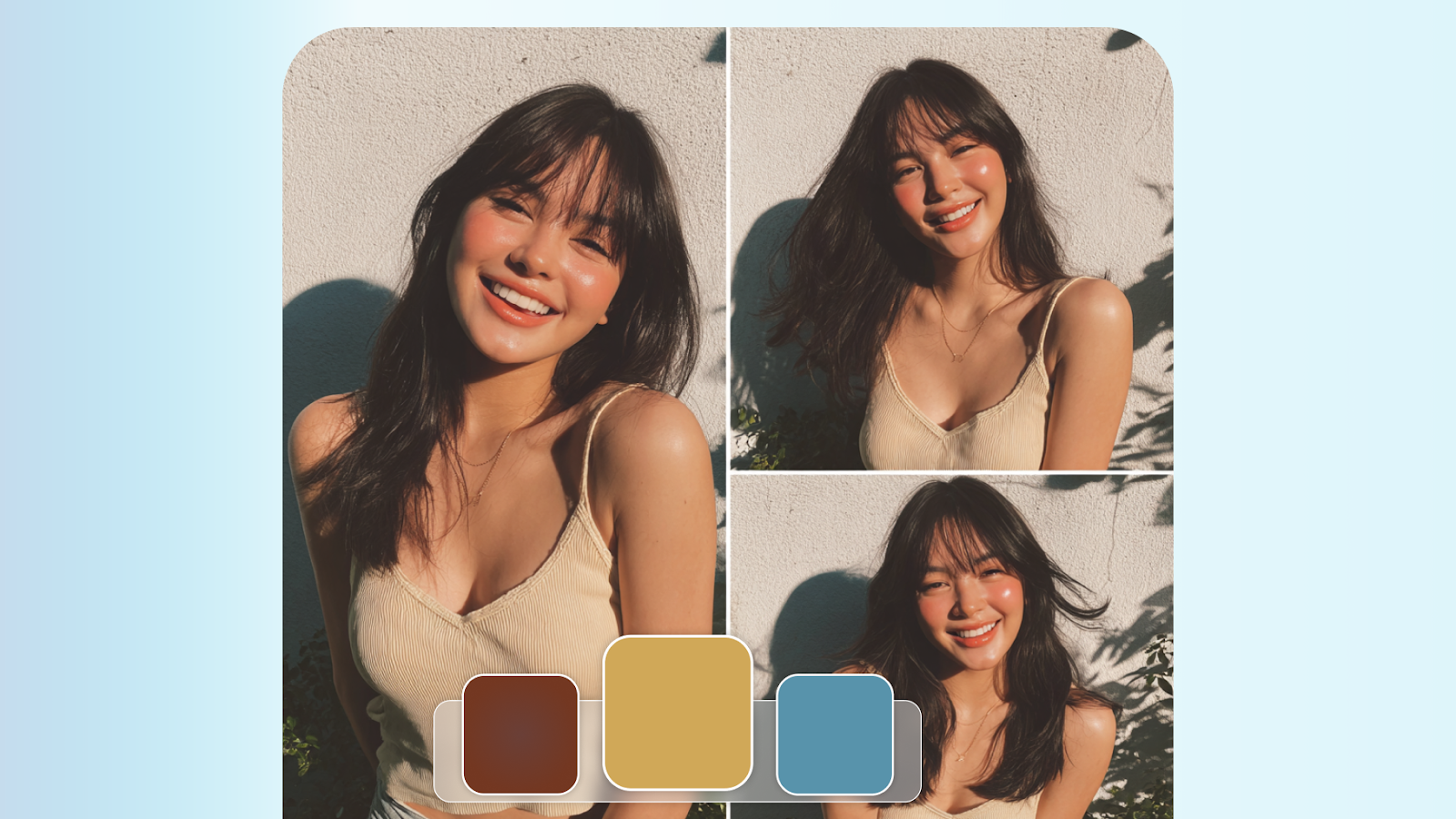
The best skin retouching is invisible. It removes distractions without removing character. Here's how to walk that line every time.

