

How FaceLab Avoids the Common Pitfalls of AI Editing
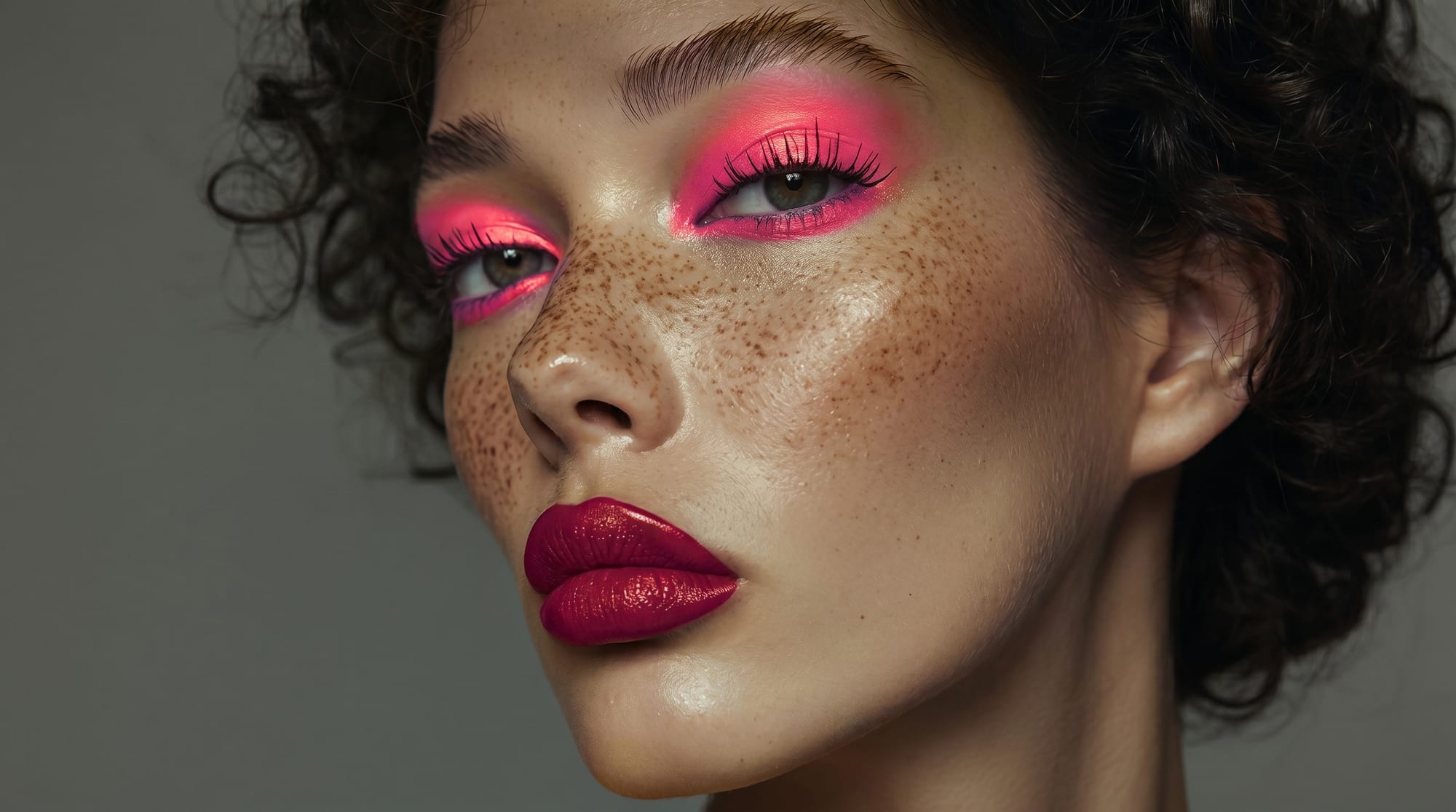
AI photo editing mistakes are easy to observe on social media. Whenever a new trend emerges, you can easily spot what's fake.
Inauthentic photos look cheap, lower trust in your personal brand, and don't make you stand out. What are the common pitfalls of AI editing, how to avoid them, and how can FaceLab help you with that? Read more to find out.
Common mistakes in AI face editing
Here are common mistakes in AI face editing:
- Striving for perfection - a good-looking and natural photo should be subtly edited.
- Over-retouching - adjusting lighting, skin, and color is good, but here less means more; people prefer original imperfections over an overedited photo.
- Transforming the face - real social media posts should be focused on editing distractions from the background, for example, or adding subtle edits, not transforming the whole face so you can barely recognize yourself.
- Unnatural eye enhancement - making eyes too bright or completely changing the color can make the photo look like an "alien."
- Over-smoothing the face - sometimes you look at a photo and you just know that it looks too perfect, with no imperfections or wrinkles.
- Distorted proportions and anatomy - a poor prompt can unnaturally slim the face and enlarge the eyes.
- Dead eyes effect - AI can generate very clear eyes, but often they lack depth; for example, one pupil points in a slightly different direction than the other, or the eyes are too bright or "glassy."
- Unnatural teeth whitening - natural human teeth are never white as snow, so remember to choose a natural shade of white.
How to use AI editing properly?
Your avatar on social media acts as your digital handshake and serves as the perfect profile photo. Thanks to this, there is no need to hire photographers and pay for their services or rent a studio to look professional. With FaceLab, you can do it in a few seconds for free.
There is an option to generate casual selfies and high-end portraits.
FaceLab allows you to:
- modify the background - there is no need to clean the house, you can transform your messy room into a business office
- enhance lighting - even if the weather is bad, you can create a golden hour effect and make your avatar look more vibrant and eye-catching
- simulate texture - you're not sure what you will look like in a different color or texture (curly, straight) - in the app there is an option to check it and make sure that it's a good decision for a change to avoid disappointment before visiting a hairdresser
- add a creative style which tells a story about you - if you're a chef, your avatar can be in a kitchen, which instantly speaks volumes about what you're doing without anyone reading about it
Remember that your online profile photo is the first impression others will see. So make sure that it looks professional and still natural.
How does FaceLab prevent fake-looking results?
FaceLab prevents fake-looking results through education. Check the website and read more about proper AI editing. You will find articles about good retouching rules like starting with natural base adjustments before applying heavier filters, or using the light and color tools to fix sections carefully.
Our goal is not to change people and make them barely recognizable. We want to make their lives easier by creating a space where professional photos are possible without photographers, studios, and spending a lot of money on that. When the tool is used with good taste, it can speed up your social media or business development.
How you will use it is up to you.
Frequently Asked Questions
What are AI photo editing mistakes?
Among the most common AI photo editing mistakes, we can highlight: striving for perfection, over-retouching, transforming the face, unnatural eye enhancement, over-smoothing the face, disproportionate anatomy, the dead eyes effect, and unnatural teeth whitening.
How to use AI editing properly?
A key is making the photo look natural even if it's AI-edited. Focus on modifying the background. If there are any distractions, remove them. If you want to look professional, change your room to a business office. You can also enhance the lighting and add a creative style which tells a story about you.
How does FaceLab prevent fake-looking results?
We prevent fake-looking results through education. On FaceLab, you will find a lot of articles with advice for proper editing.
More in Tutorials
View all
How to Try a New Hairstyle in a Photo Before You Cut Your Hair
Big haircuts are easier to commit to when you've already seen them on yourself. AI hair editors get convincing — here's how to use them well.
How to Increase Photo Resolution Without Losing Quality
AI upscaling has changed what's possible with low-resolution images. Here's when it works, when it doesn't, and how to get the most from it.
How to Fix White Balance in Photos After the Shot
Wrong white balance is one of the most common problems in phone photography. Here's how to correct it without creating color casts elsewhere.

